

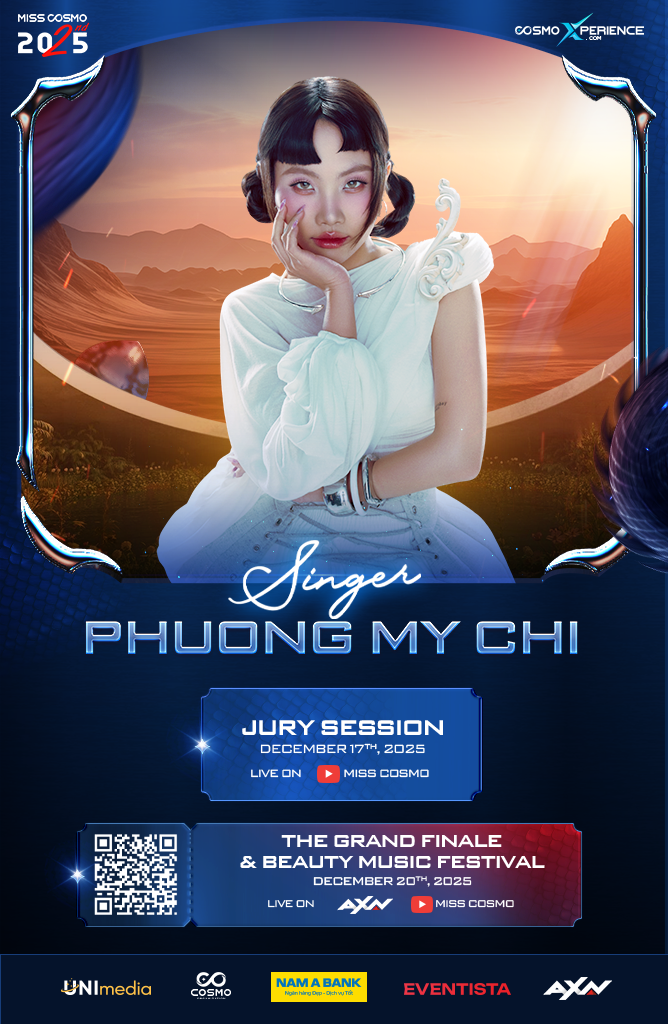
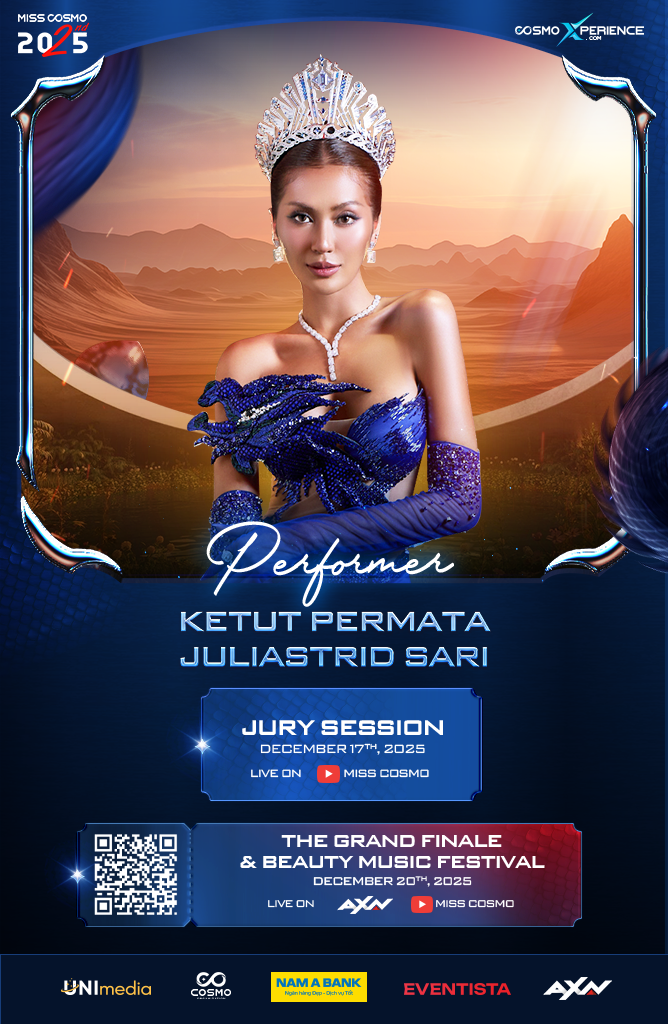
SINGER









Khuyến mãi
Hướng dẫn
HOW TO BUY TICKET
Step 1: Visit misscosmo.1zone.vn or select the ticket category you wish to purchase, then register or log in to your account
- Option 1: Register / Log in to your account. After registering, an activation email will be sent to your inbox.
- Option 2: Open the ticket purchase link using a browser such as Chrome, Safari, or Cốc Cốc to use the “Sign in with Google” feature.
Step 2: Select Zone
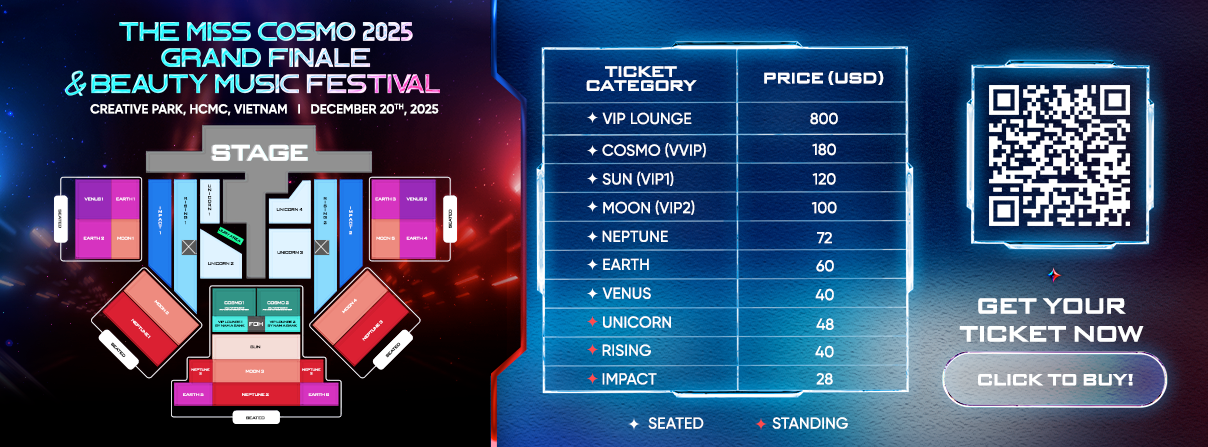
- Click to select your preferred Zone and the number of tickets you wish to purchase.
- Note: Each account can purchase up to 10 tickets per transaction (with no limit on the number of transactions).
<BR>
Step 3: Fill in your information
- Accurately fill in all required fields in the Personal Information section.
- Select a Payment Method and complete your transaction.
Step 4: Complete your transaction
- The QR code will be attached in a PDF file sent to your email and available in your ticket account on the website.
- Each QR code is valid for one-time check-in only.
- For standing ticket categories, the ticket will display only the serial number without a specific position.